Know what is happening.
Review multiple projects and their stages. Return to a matter without reconstructing its entire history from memory.
Concept Done Project In progress Construction Coming up
Projects, people, deadlines and agreements.
Bring them together in one place.
Leave more room for creativity.
Here is what is happening in your projects.
House by the Woods
Awaiting a decisionRiverside Apartments
Due: FridayWhen tasks are in one place, files in another and decisions in messages, it is hard to see the whole picture. Archicos connects these elements around the project.
Review multiple projects and their stages. Return to a matter without reconstructing its entire history from memory.
Define stages, responsibilities and dates. See what needs to be delivered, agreed or unblocked.
Keep conversations, documents and agreements in the context of the project. Give collaborators a shared point of reference.
Illustrations show an example way of organising work.
You already have drives, cloud storage and organised folders. Bring them into your project workspace and use what suits you.
Connection options depend on the source and its configuration. Ask us about the resources you use.
Let’s discuss your resourcesFiles can be stored in the application server repository or in external resources selected by the ADMIN, depending on configuration. Logos illustrate possible choices and do not imply a partnership or full synchronisation with every service.
The project correspondence register contains the subject, sender, recipients, date, a snippet of up to 500 characters, attachment names and a link to the original email. Full messages and attachment files remain in the mailbox.
Architect, specialist, designer, client. Each participant has an assigned role that determines access to tools and actions in Archicos. Collaborators use features appropriate to their role, keeping the whole process clear.
Find your way of workingA starting point for the other disciplines.
It is clear what the project is waiting for.
The next step has people responsible for it.
Administration, communication and the current state of work come together around the project. Every piece of information has a place and a next step.
Track permits, orders, contracts, invoices and payments. See document and settlement statuses for each party involved in the project.
Document → status → next stepManage coordination, revisions and document issues. Keep comments, notes and approvals with the relevant matter and retain the history of agreements.
Agreements you can return toKeep correspondence with the project: subject, sender, date, message snippet and attachment names. Click the subject to open the original in Gmail or Outlook. Use group or one-to-one chat as well.
Mailboxes + project code + internal chatKeep meetings, coordination sessions and reviews in the calendar. Assign events to people and quickly notify participants about dates and important agreements.
Know what, when and who is involvedCreate a project progress report whenever you need it or on a recurring schedule. Set generation and automatic delivery times so participants receive an up-to-date view of the work.
On demand or on a scheduleThe administrator of each database manages its backups: choosing storage, setting the schedule and retention, and overseeing completion. ArchiCOS provides the tools for these tasks.
Your location, frequency and retention periodThe workspace ADMIN manages configuration, backups, participants and file permissions, and can access project and event statistics. Participants manage their own profiles and access information according to their roles. ADMIN permissions are not the same as data controller status under the GDPR.
Automatic email processing, report delivery and backups require the appropriate mailboxes, storage and permissions to be configured.
For studios, clients and institutions taking a project from idea to delivery. Independently, with a team or with a network of specialists.
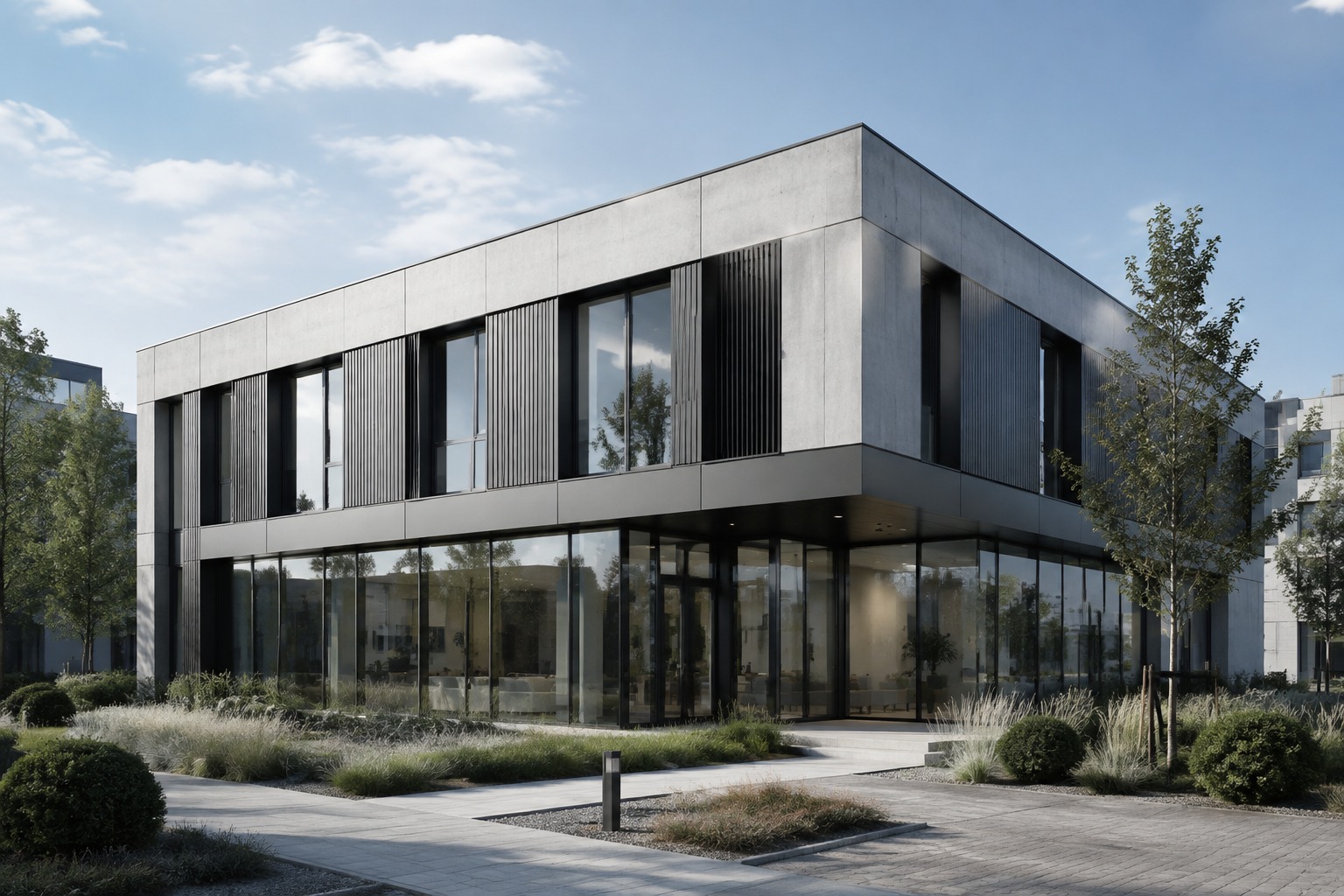
Working independently, but collaborating with many people? Bring projects, specialists, clients and contractors together around a shared plan.
Add stages that fit your service. Decide what needs to be created and by when.
Link the project to documentation and agreements you want to find easily.
Coordinate collaboration or record progress yourself. Always in the context of the project.
Have your own way of working?
We would love to hear about it.
Discover Archicos and see how to organise your own project workspace.
We are preparing our commercial offer. The way you work helps us develop Archicos.